SWIFT MT103 Field 20 — Sender's Reference
Field 20 on an MT103 is the Sender's Reference — the unique identifier the sending bank assigns to the payment. It is mandatory on every MT103. Track a payment by sender reference free →
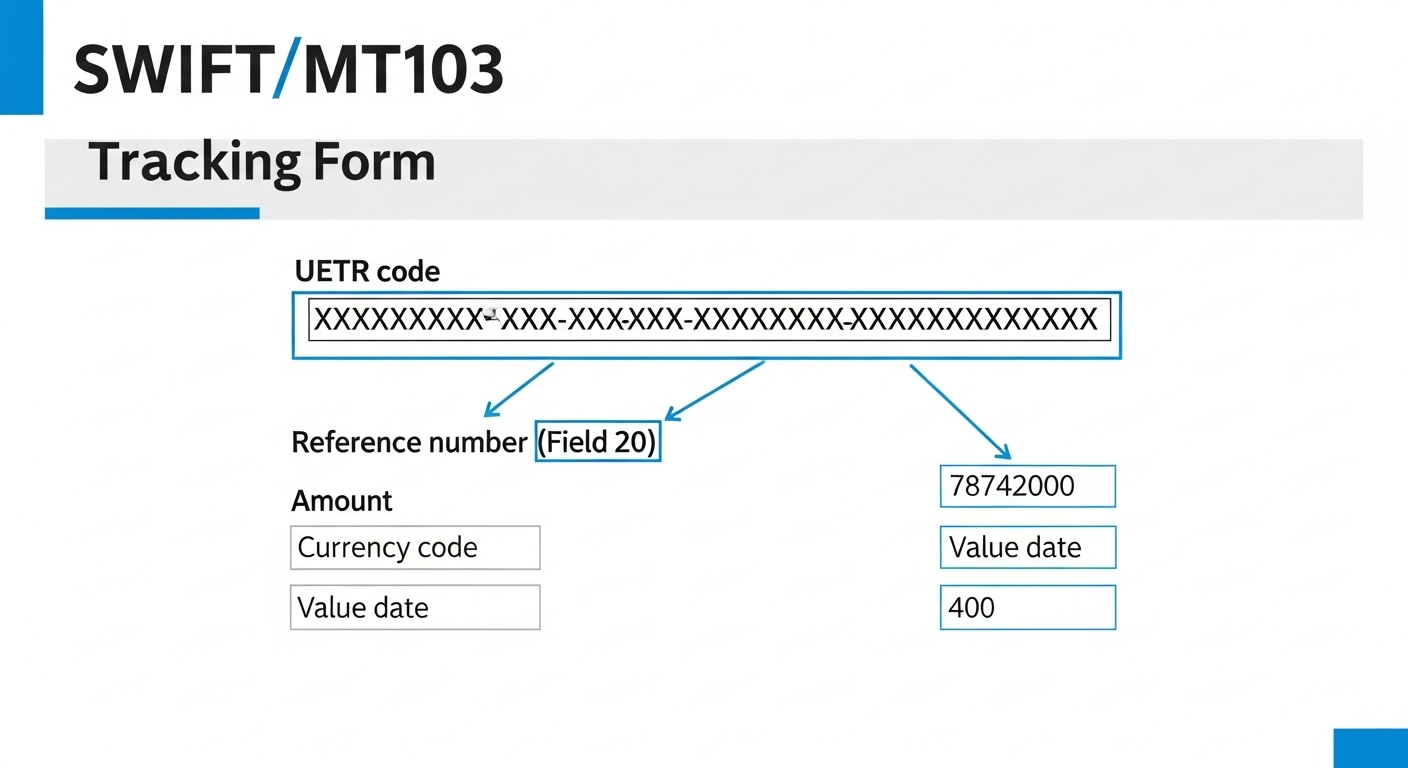
Details
Format specification: up to 16 characters drawn from the SWIFT MT "x" character set — letters (A–Z, a–z), digits (0–9), and the slash (/). The reference cannot start with a slash, cannot end with a slash, and cannot contain two consecutive slashes. These restrictions exist because SWIFT MT parsers use slashes as field delimiters and consecutive slashes as operational markers; a malformed field 20 will be rejected or misinterpreted at the receiving SWIFT gateway.
Field 20 is often called the TRN (Transaction Reference Number) in customer-service contexts. When you call your bank's payments investigations team, they will typically ask for "your TRN" or "your payment reference" — they mean field 20. Banks assign these values in formats that suit their own internal systems: some use a sequential numerical ID, some encode the date and a sequence number (e.g. 20240315001234), others use the customer's own invoice or order reference if it fits in 16 characters.
Field 20 is bank-specific and unique only within the issuing bank. The same payment will have a different field 20 at every bank that touches it — the originating bank assigns its TRN, the first correspondent assigns its own internal reference, and so on. This is why field 20 alone is insufficient for cross-bank end-to-end tracking: only the UETR (field 121) remains identical at every bank throughout the entire payment chain.
Corporate treasury systems often need to include a customer-meaningful reference in field 20 — an invoice number, purchase order, or payment run ID — so the beneficiary's ERP can auto-reconcile the incoming credit. The 16-character limit is tight for complex references. Common workarounds include: truncating the internal reference to 16 characters, encoding it into a shortened alphanumeric code, or putting the full reference in field 70 (remittance information) and using just a sequence number in field 20.
On Ohmyfin, you can search for a payment by its sender reference (field 20) if you do not have the UETR. Ohmyfin queries the SWIFT GPI network by reference and returns the UETR and tracking status if found. If not found — because the reference is too old, or the bank's reference is not indexed in the GPI tracker — you will need to obtain the UETR from the sending bank directly. Always confirm field 121 with your bank for reliable tracking.
Quick facts
| Example value | :20:REF20251015-001 |
|---|---|
| Valid characters / format | 16x alphanumeric, no slashes |
| Required on MT103 | Mandatory |
| Required on MT202 | Mandatory |
| Required on pacs.008 | Optional |
| Notes | Sender reference (TRN). Carried in <InstrId> on pacs.008. |
Key facts
- Mandatory MT103 field — present on every single SWIFT MT103
- Format: up to 16 letters, digits and slashes; no leading/trailing/consecutive slashes
- Assigned by the sending bank — unique within that bank only
- Called the "TRN" (Transaction Reference Number) in customer-service contexts
- For cross-bank end-to-end tracking, use the UETR (field 121) instead
- Ohmyfin accepts field 20 references as lookup inputs alongside UETRs
Frequently asked questions
Is field 20 the same as a UETR?
No. Field 20 is the Sender's Reference — assigned by and unique within the sending bank only. The UETR (field 121) is a globally unique UUID generated once by the originating bank and carried unchanged through every bank in the chain. For reliable end-to-end tracking, always use the UETR.
Can I choose my own field 20 reference?
That depends on your bank's systems. Many corporate banking platforms allow you to enter a payment reference that populates field 20, subject to the 16-character limit and character restrictions. Retail internet banking typically generates the reference automatically. Confirm with your bank which field your entered "payment reference" maps to.
Why was my field 20 truncated or changed?
Some correspondent banks reformatting MT messages may alter field 20 if it contains characters not supported by their own message format, or if translation between MT and ISO 20022 truncated the value. This is one reason the UETR (field 121) is the more reliable tracking key — it is protected from modification under the SWIFT GPI Rulebook.
Can field 20 contain special characters?
Only letters (A–Z, a–z), digits (0–9) and the slash (/). No spaces, hyphens, underscores, ampersands, or other punctuation. The reference cannot start or end with a slash, and cannot have two consecutive slashes. Attempting to send a field 20 with disallowed characters will result in the message being rejected at the SWIFT gateway.
What should I do if I only have the sender reference, not the UETR?
Enter the sender reference in the Ohmyfin tracker. Ohmyfin will attempt to locate the UETR by reference. If unsuccessful, contact your sending bank's payments investigations team and ask for field 121 of the SWIFT GPI MT103 confirmation — that is the UETR, which gives reliable end-to-end tracking across all banks.
Related guides
Related — more from swift field reference and beyond
Get 100 free credits — track unlimited SWIFT payments
No card needed. Free for ordinary users — 10 free trackings per day per IP, no signup required. Track any international wire across 11,000+ banks.
Track a payment now — completely free Or try the tracker now →